coSlash

Your coding agents. One live view.

Run more agents Lose less context

View on GitHub
  • Read-only
  • No account
  • Local by default
  • Open source · MIT

Early preview · macOS and Windows 11

Know what needs you Active, waiting, idle, or inactive across every repo and branch.
Keep the thread Goals, decisions, files, commits, and every command the agent ran.
Keep going Resume with context intact, or hand a brief to a fresh agent.
CC Claude CodeLive now
CX Codex / ChatGPTLive now
CU CursorLive now
OC OpenCodeLive now
PI PiLive now
GK Grok BuildLive now
+ More agentsComing soon
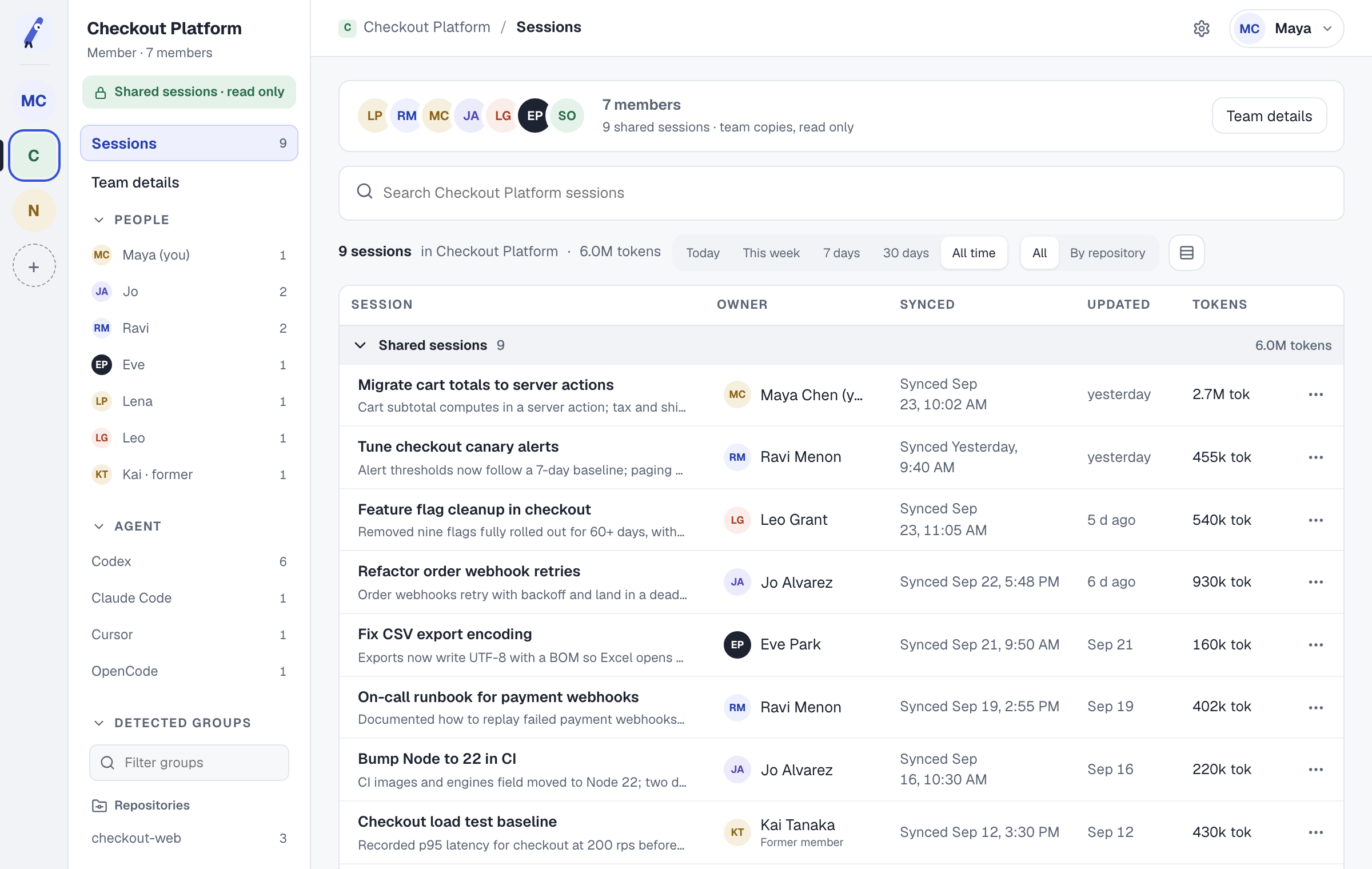
01 — Sessions

Keep moving without losing context.

One place to see what your coding agents are doing.

Waiting on youquestions, permissions, failures Actively workingwith subagent lineage Worth a lookwindow filling, cache going cold
02 — How it works

Your work stays on your machine.

01

Reads your disk

The transcripts your agents already write. Read-only, always.

02

Builds the record

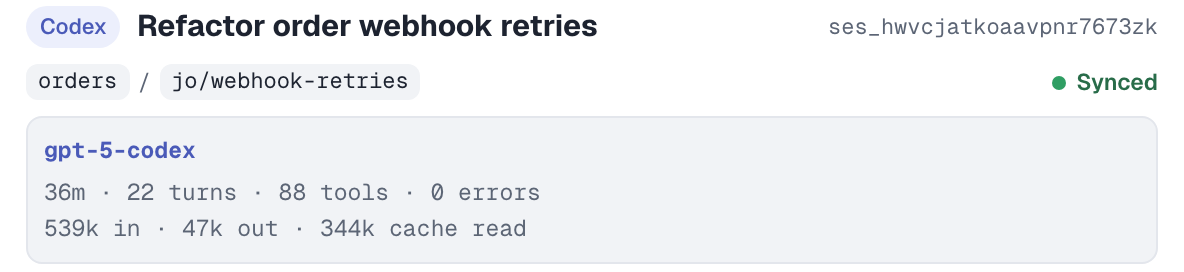
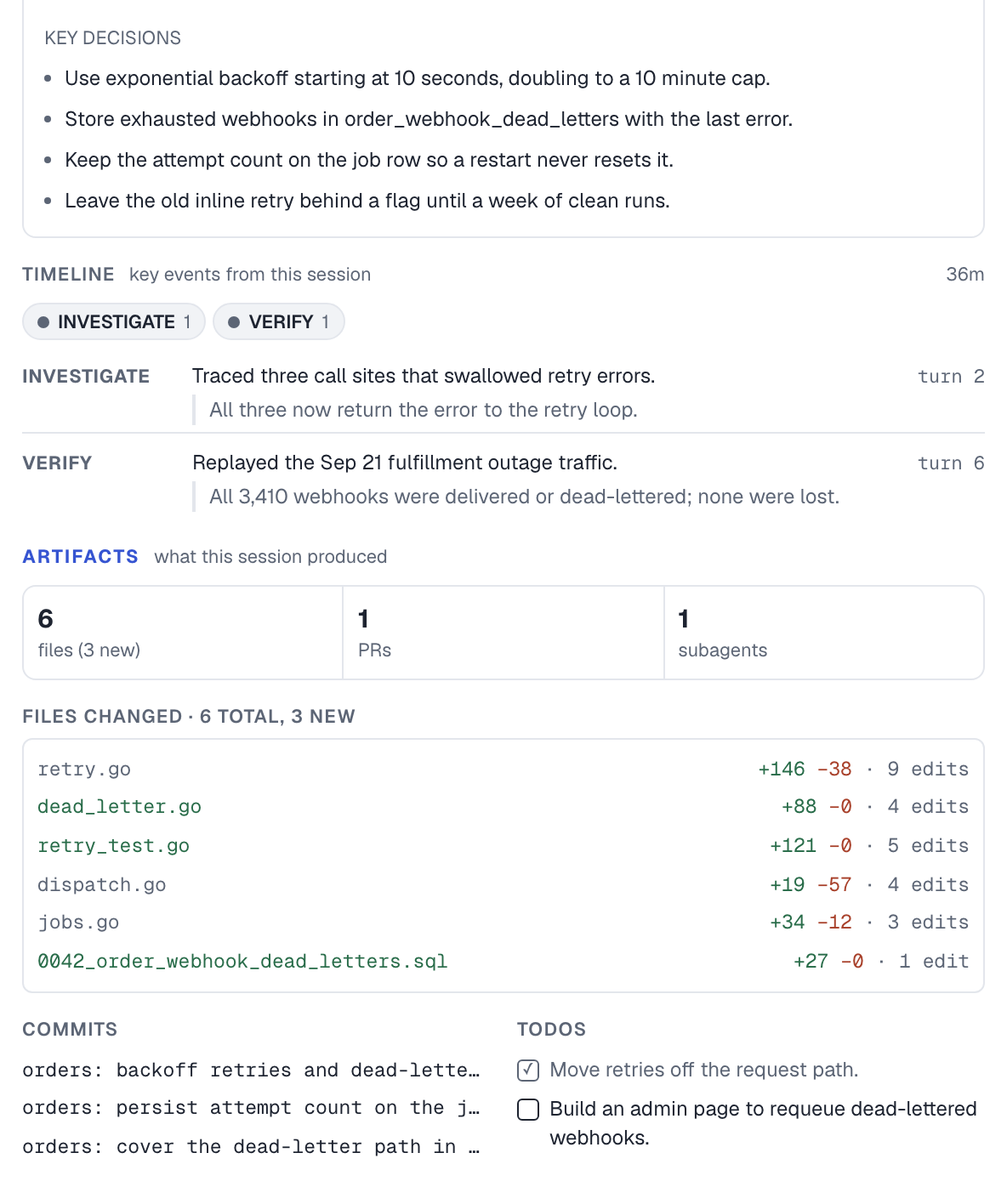
Goals, decisions, files, commands, and subagent lineage, indexed locally.

03

Puts you back in

Resume in your own CLI with full context, or handoff a brief into a fresh session.

coSlash skills for Claude Code and Codex

Ask your agent to find sessions, make a handoff, send work to another agent, review a session, or diagnose sources.

03 — Remote host

Local or remote. Same list.

Add a host from your SSH config to see its sessions alongside local work.

Read-only. Asks before installing.

How it stays read-only
coSlash — Sessions 127.0.0.1:8787
04 — Resume or hand off

Resume or start fresh.

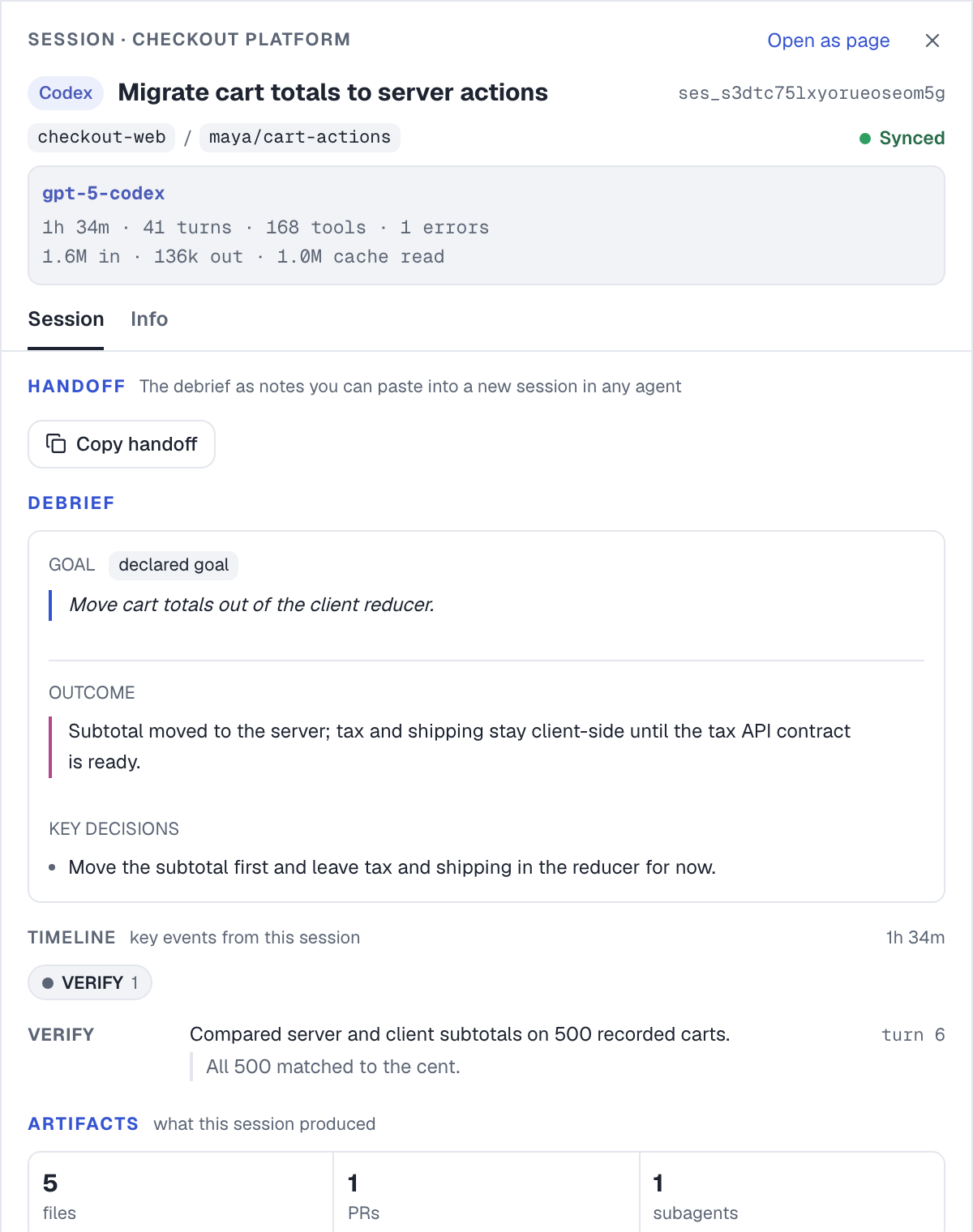
Check context, cache, and the debrief before you choose.

91% context, compacted 2×, 14 behind mainthis one says start fresh

05 — Pricing

Free locally. Pay for collaboration.

Team In development

Coming soon

For shared agent work

  • Shareable live visibility
  • Shareable session discovery
  • Cross-person handoffs with context
  • Workspace access controls
  • SOC 2 Type II
Not yet available
Enterprise

Custom

For organizations with advanced needs

  • Everything in Team
  • Enterprise deployment options
  • Security and compliance support
  • Priority onboarding and support
Contact us
06 — FAQ

The important questions, answered.

What does coSlash read?

The session transcripts Claude Code, Codex, Cursor, OpenCode, Pi, and Grok Build already write to disk, plus the Git and process metadata needed to tell a running session from a finished one. There is nothing to connect and no account to create — it reads what is already on your machine, plus one Linux host over read-only SSH if you choose to add one.

Which agents does it support, and on what?

Claude Code, Codex, Cursor, and OpenCode, including local desktop app and CLI sessions, plus Pi and Grok Build CLI sessions. Cursor IDE chats can reopen their workspace; Cursor CLI sessions can resume exactly. coSlash runs on macOS (Apple Silicon or Intel) and Windows 11 amd64. Linux sessions can be monitored over SSH — see the next answer.

Can it see agents running on a remote server?

Yes — one Linux host, and only once you add it. In Settings → Machines you give coSlash an alias that is already in your OpenSSH config; it uses the system ssh client and never edits that config. It checks SSH and SFTP, then asks before installing a small collector in the SSH user’s own home directory — no root, no network access, and a fixed allowlist of agent transcript paths. Read-only SFTP is the fallback if the collector cannot run.

Remote sessions join the same table as local ones with their host, status, costs, tokens, and file-edit summaries. Resume and handoff work while the host is connected. When remote process state cannot be confirmed, coSlash labels its liveness as unknown. Synthesis and commands stay local-only.

Does coSlash change my code or my transcripts?

No. Transcripts are opened read-only and never written to, and coSlash makes no commits, branches, or edits in your repository. It writes only to its own directory, ~/.coslash, where cached debriefs and pending handoffs live. Resume and handoff launch your own CLI in your own terminal — every edit after that is the agent’s, exactly as if you had started it yourself.

Does anything leave my machine?

Not unless you turn it on. Debriefs are derived from the transcript with no model involved. Optional AI synthesis only sharpens them, and stays off until you enable and save it. When on, it sends a bounded set of derived facts — about 12 KB — through the local agent CLI you pick. That spends a little of the agent’s own usage: a few cents per session at most, and only substantial sessions qualify.

It runs a local server — is that exposed?

No. coSlash binds to 127.0.0.1:8787 and nothing else, and every API request carries an access token minted when the server starts. It is not reachable from your network, and a link from an earlier run stops working once the server restarts.

How are costs calculated?

They are estimates at list API prices, not invoices: token counts from the transcript against a dated per-model price table. A model with no verified price is flagged and left out of the total rather than guessed at, so the number is never quietly wrong. OpenCode sessions report the cost they recorded themselves instead of an estimate.

Can I pick a session up in a different agent?

Yes. Resume reopens the original session in its own CLI with full context. Start fresh writes a Markdown handoff — objective, current state, key decisions, timeline, files, commits, next steps — and opens a new session with it loaded as reference, so the next agent waits for your instruction instead of acting on stale notes. The handoff is plain text, so it crosses vendors: a Claude Code session can be picked up in Codex.

The session ends. The knowledge stays.

Install once, and every session your agents run stays legible — today and three weeks from now.

Install coSlash

Install for macOS.

For Apple Silicon and Intel Macs.

Quick install

Downloads and runs the macOS installer.

curl -fsSL https://coslash.io/install.sh | bash

Homebrew

Install from the coSlash tap.

brew install centauri-ai/tap/coslash
Install coSlash

Download for Windows.

For Windows 11 (amd64).

Portable download

Download coslash-windows-amd64.exe from the newest stable release that includes it, or the newest prerelease if needed. Double-click to run. No administrator rights or WSL required.

Download from GitHub releases

To update, replace the executable with a newer download. Windows binaries are currently unsigned and may show a SmartScreen warning.

Agent skills

Install the skills.

Add the coSlash skills for sessions, handoff, send, review, and doctor to your agents. Run coSlash for the first four skills.

Claude Code

claude plugin marketplace add centauri-ai/coslash
claude plugin install coslash@centauri-ai

Codex

codex plugin marketplace add centauri-ai/coslash
codex plugin add coslash@centauri-ai

Grok Build

grok plugin install centauri-ai/coslash@stable#plugins/coslash --trust
grok plugin enable coslash

Cursor CLI, OpenCode, and Pi

npx skills@latest add centauri-ai/coslash -g -a cursor -a opencode -a pi --skill '*' -y